Start with the affected slots
Tablets change artifact levels in the direction they point. Place the artifact you want to improve in the affected area, then check the tablet's activation condition. Some tablets lower levels, so read the effect before rearranging your bag.
Place and rotate a tablet
Use this check whenever a new tablet enters your inventory. Follow the rotate control shown in your game; only some tablets can rotate.
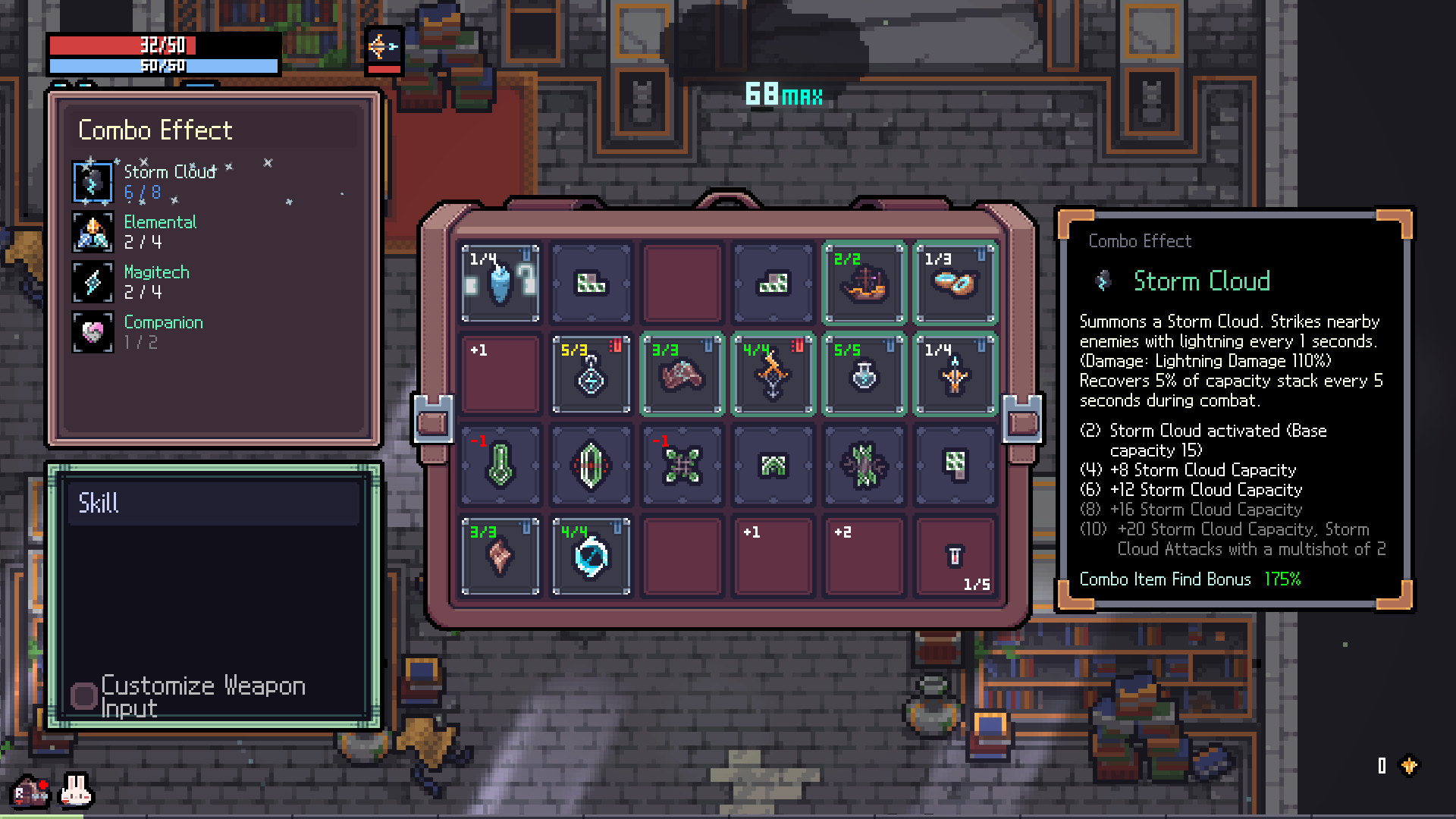
- Read whether the effect raises or lowers artifact levels and which direction it covers.
- Read Tablet Activation Condition separately. A requirement to occupy marked slots controls where the tablet itself can work.
- Move the tablet so its effect reaches the intended artifact; rotate it if the displayed control allows it.
- Compare the artifact level before and after moving one piece. Repeat for nearby artifacts before keeping the new arrangement.
Why the level did not change
Check the tablet's position and its effect direction as two separate questions. A tablet can point toward an artifact while still failing its own placement condition. Move one piece at a time so you can tell which change matters.
Combine compatible tablets
Tablet mixing combines two tablets, including their effects, conditions and rotation properties. Tablets with different activation conditions cannot be combined. If mixing fails, compare their conditions before selecting another pair; mixing does not remove those requirements.
Imprint only after the condition is met
When Tablet Imprinting is active, the inventory offers a press-and-hold Imprint action. It consumes the tablet and leaves its effects on the corresponding inventory slots. Place it correctly before using this action: a tablet whose activation condition is not met cannot be imprinted.
Check your talent setup before copying an imprinting build. Enabling imprinting through a talent also reduces inventory space; plan the smaller layout before consuming your tablets.